Once you have your site or blog based on Hugo set up and running, I bet you want to know how it is doing in terms of visits and engagement. You might think to integrate with some analytics platform.
Immediately what comes to mind is the hippo like Google Analytics. There are posts on internet about how to add analytics with support for modern approach of the Google Tag Manager. For instance, this blog shows how to do it with PaperMod theme.
The problem with Google Analytics is that it saves cookies in user’s browser, and if you are in Europe, you legally have to adhere to GDPR policy. It means, you either have to code “Cookies consent” banner yourself, or sign up to some CMP (Consent Management Platform).
Obviously this will cause performance degradation of your previously blazing fast website…
Luckily, I found a pretty lightweight and elegant solution, which allows me to track visits and performance of the web pages, yet it doesn’t require settings cookies, so it doesn’t require to have the annoying “Cookies Consent” banner added. The solution is to use Web Analytics and widget from Cloudflare. The beauty of it is that it is FREE! Yes, it provides quite basic functionality, not comparable with the GTM / Google Analytics. But it does pretty good job showing you the geography of visits, popularity of links (pages) on your blog or website, and it also tracks Core Web Vitals!
In PaperMode, all you need to do is to override layout partial called extend_footer.html. For that, create a directory, if you don’t yet have any custom overrides for templates, layouts/_partials in the root of your project (where config.toml is), and put the extend_footer.html file there.
Inside the file you need to drop the JS code snippet which you get from Cloudflare once you setup your account there:
<!-- Cloudflare Web Analytics -->
<script type='module' src='https://static.cloudflareinsights.com/beacon.min.js' data-cf-beacon='{"token": "<your-personal-token>"}'></script>
<!-- End Cloudflare Web Analytics -->
This is how it looks in the Cloudflare Dashboard:
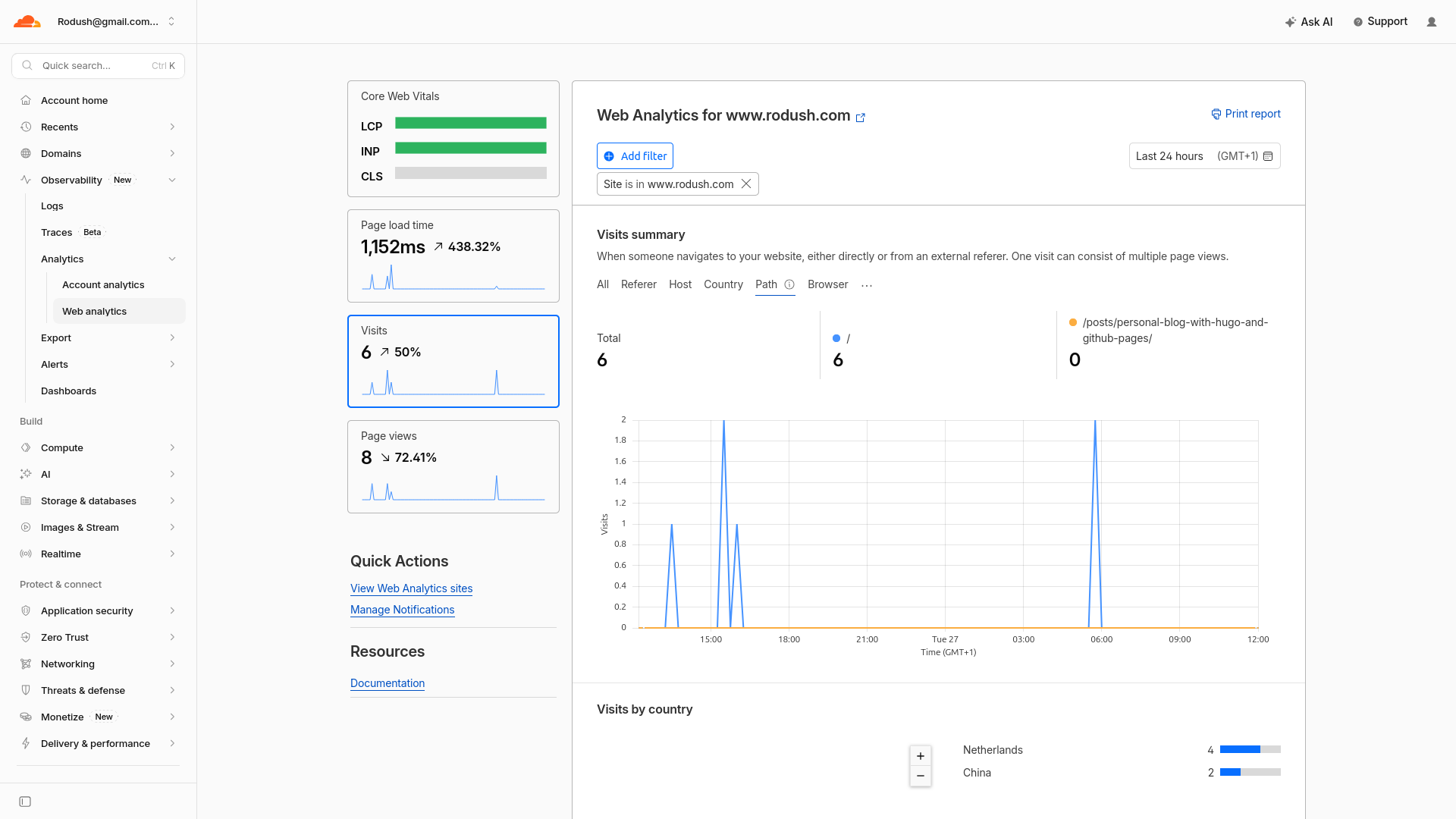
The website still scores very high in terms of Core Web Vitals, and there is no annoying cookies consent pop-up, and you have insights into your visitors!